Domain Transfer with Microsoft Services
What Is Domain Transfer
Domain transfer means moving your domain name from one registrar (like GoDaddy or Google Domains) to another—such as Microsoft 365 or Azure—or vice versa. This allows you to manage your domain settings, DNS records, and renewals from a new provider.
Transfer to Microsoft 365
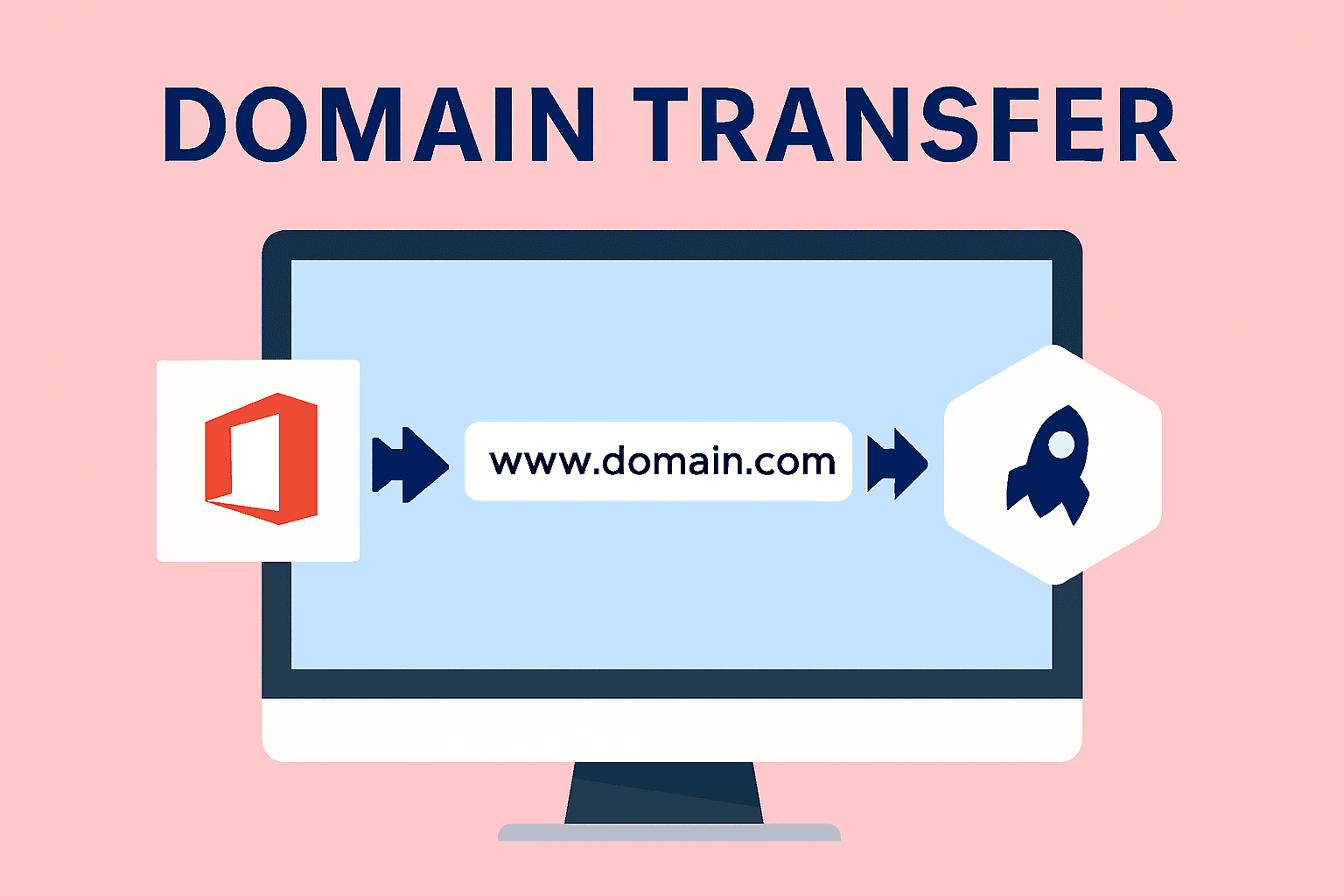
If you're bringing a domain into Microsoft 365 to use for email, Teams, or SharePoint:
- Sign in to Microsoft 365 Admin Center
- Go to Settings > Domains
- Select Add domain and follow the setup wizard
- Verify ownership (usually via DNS TXT record)
- Microsoft will guide you to update DNS records for email, Teams, etc.

Transfer from Microsoft 365 to Another Registrar
If you purchased your domain through Microsoft (e.g., via GoDaddy integration), here’s how to transfer it out:
- 1. Go to admin.microsoft.com
- 2. Navigate to settings > Domains
- 3. Select your domain and click Transfer domain
- 4. Choose A different registrar
- 5. Unlock the domain and copy the authorization code(AuthCode)
- 6.Go to your new registrar's site and initiate the transfer using the AuthCode
- 7. Microsoft will confirm the request and complete the transfer within 5 days.
⚠️ Domains purchased through Microsoft cannot be transferred for the first 60 days after purchase.
Transfer to Azure App Service Domains
If you're moving a domain to Azure for web hosting or DNS management:
- Initiate transfer from your current registrar and obtain the AuthCode
- Go to Azure Portal and create/update the domain under App Service Domains
- Enter domain details, AuthCode, and contact info
- Wait ~5 days for transfer to complete
- Delegate DNS to Azure DNS zone for full control

Tips for a Smooth Transfer
- Always unlock your domain before transferring
- Ensure your contact info is up to date
- Save your AuthCode securely
- Expect a short downtime during DNS propagation
- Renew your domain promptly after transfer


