
Why Migrate to Microsoft 365?
- Enhanced Collaboration: Leverage real-time co-authoring, Teams communication, and OneDrive file sharing.
- Seamless Collaboration: Share and co-author documents in real time.
- Always Up-to-Date: Enjoy the latest features and updates with no extra cost.
- Enterprise-Grade Security: Protect your data with built-in security and compliance tools.
- Scalable for Everyone: From individuals to enterprises, there’s a plan for you
Key Features of Microsoft 365 Migration
- Assess your current environment to identify migration needs.
- Develop a tailored migration roadmap to minimize downtime.
1. Comprehensive Planning
- Migrate emails, calendars, contacts, and files from legacy systems or other cloud platforms.
- Develop a tailored migration roadmap to minimize downtime.
- Transition users, permissions, and workloads seamlessly
2. End-to-End Migration
- Ensure data integrity and security throughout the migration process.
- Mitigate risks with advanced tools like Azure Active Directory and Microsoft Defender.
3. Secure Transition
- Hybrid deployment options for businesses needing on-premises and cloud integration.
- Support for custom workflows and applications.
4. Customizable Solutions
- User training and adoption programs to ensure a smooth transition.
- 24/7 technical support to resolve issues quickly.
5. Post-Migration Support
Migration Scenarios

1. On-Premises to Microsoft 365:
- Transition from on-premises Exchange or SharePoint servers to Microsoft 365.
- Retain existing structures while gaining the benefits of the cloud.
2. Google Workspace to Microsoft 365
- Move Gmail, Google Drive, and other data to Microsoft 365 with minimal disruption.
- Provide users with familiar Office apps and improved collaboration tools.
3. Cloud-to-Cloud Migration
- Seamlessly switch from other cloud providers to Microsoft 365.
- Consolidate tools into a unified platform.
4.Hybrid Migrations
- Maintain certain workloads on-premises while integrating others into Microsoft 365.
- Ideal for organizations with specific compliance or infrastructure needs.
Migration Tools and Services
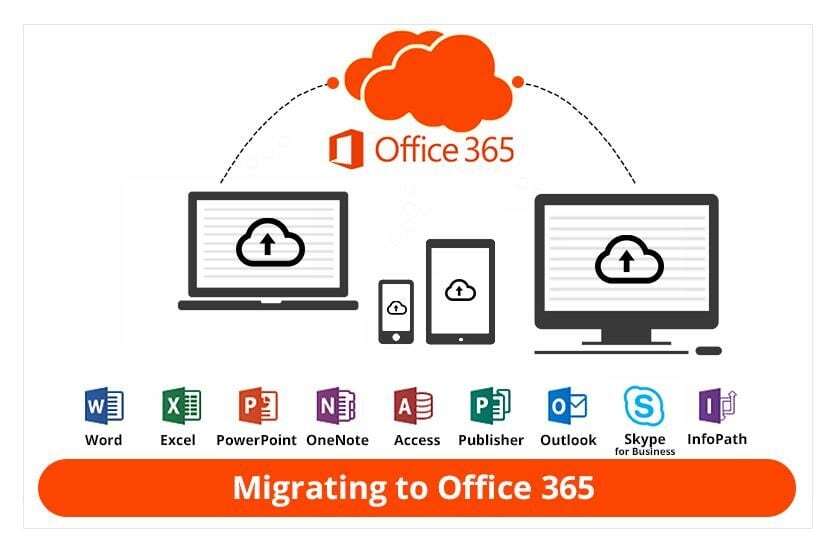
Microsoft FastTrack
- Free service for eligible customers to plan and execute migrations.
- Includes guidance for email, file, and application migration.
Third-Party Tools
- Use solutions like BitTitan MigrationWiz or SkyKick for specialized scenarios.
Azure Migrate
- Migrate data, apps, and workloads to Microsoft Azure as part of your transition.
Steps to Migrate to Microsoft 365
- Assessment: Analyze your current environment to plan the migration.
- Preparation: Set up Microsoft 365 accounts, domains, and configurations.
- Data Migration: Transfer emails, files, and workloads securely.
- Validation: Test and verify that all data has been successfully migrated.
Adoption: Train users and ensure a smooth transition to the new system.

Benefits of Partnering for Migration
- Expertise: Work with certified Microsoft 365 migration experts.
- Minimal Downtime: Ensure business continuity during the transition.
- Customized Solutions: Tailored migration plans for your organization’s needs.

Make the Switch to Microsoft 365 Today
Join thousands of businesses that have transformed their operations with Microsoft 365. Let us help you migrate with confidence, ensuring a secure and seamless transition to a more productive future.


